How to play Minecraft with an AI friend
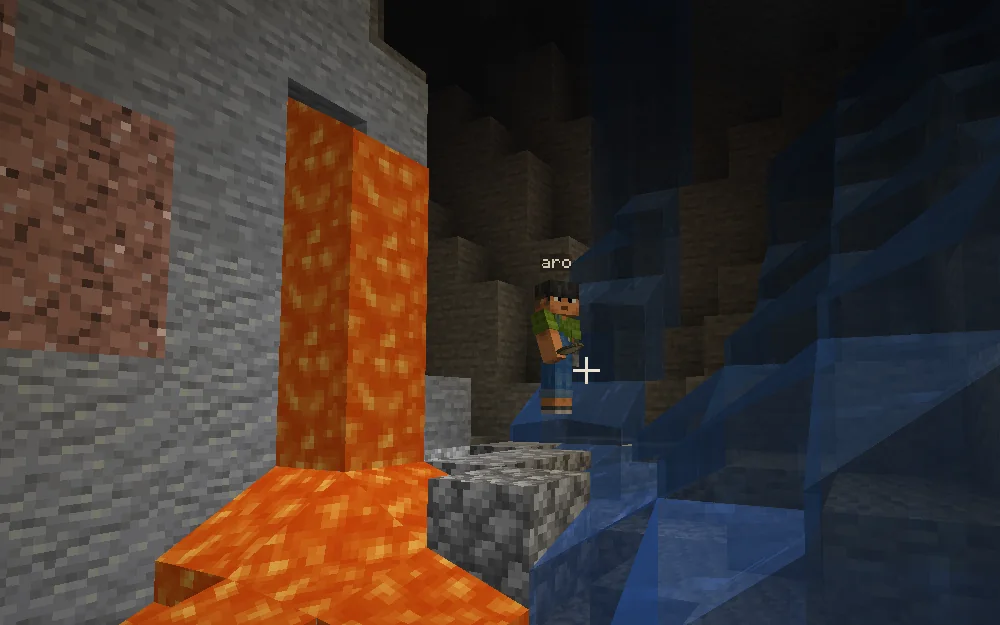
You can play Minecraft with AI on your own PC. Aro is an AI buddy that joins your Minecraft: Java Edition world as another player. It talks with you in the game chat, plays alongside you and remembers what you did together, from one session to the next. Anyone 16 or older can sign up and play during the free beta.
How to play with Aro
- Install the Aro app on your Windows PC and sign in.
- Open Minecraft from any launcher and open a singleplayer world. Aro finds it by itself.
- Press Play together in the app. Aro joins your world. In our tests this took 10 to 30 seconds.
- Press T in Minecraft, type your message and press Enter. Aro answers in the game chat.
What Aro does in your world
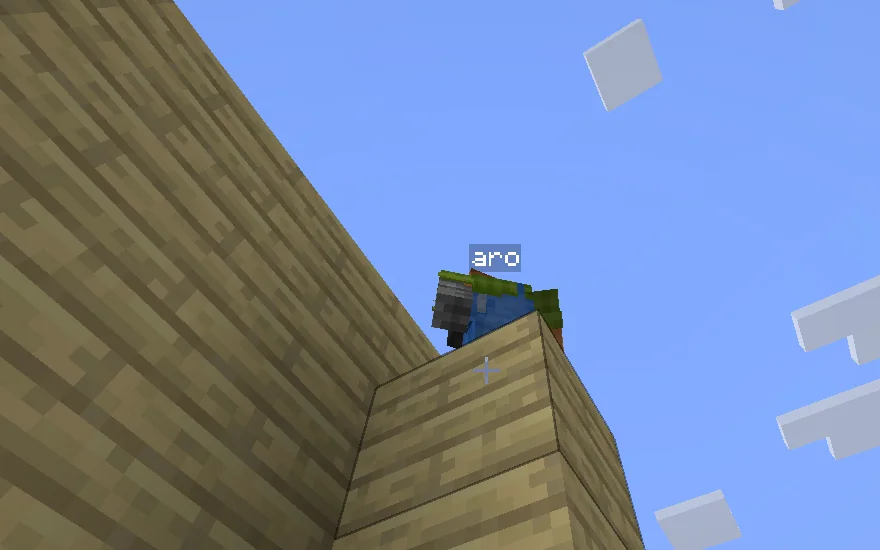
Aro suggests things to do together, asks for help when it needs something, and gathers, crafts and builds when you ask. Ask for a home and it builds a small one, a few blocks at a time.
What you need
- A Windows 10 or 11 PC with an internet connection
- Minecraft: Java Edition 1.20–1.20.6, 1.21–1.21.11, 26.1–26.1.2 or 26.3
- A singleplayer world, new or one you already have
- To be 16 or older
You don’t install mods or a server. See what the app does on your PC.
Is it free?
Aro is free during the beta. We’ll let you know before paid plans start, and you’ll never be charged unless you choose a plan.
How to get in
Sign up with your email, Google or Discord and you’re in right away. Then download Aro for Windows and start playing.
What doesn’t work with Aro yet
Bedrock, Mac, Realms, and servers. A friend’s world works when they share it from the Friends tab in their Aro app. Snapshots and 26.2 aren’t supported either. Modded worlds work, but Aro doesn’t recognize the blocks, items and mobs that mods add.
More questions? See Help or the FAQ.
Updated November 22, 2026.